
Screenshots your team can live with
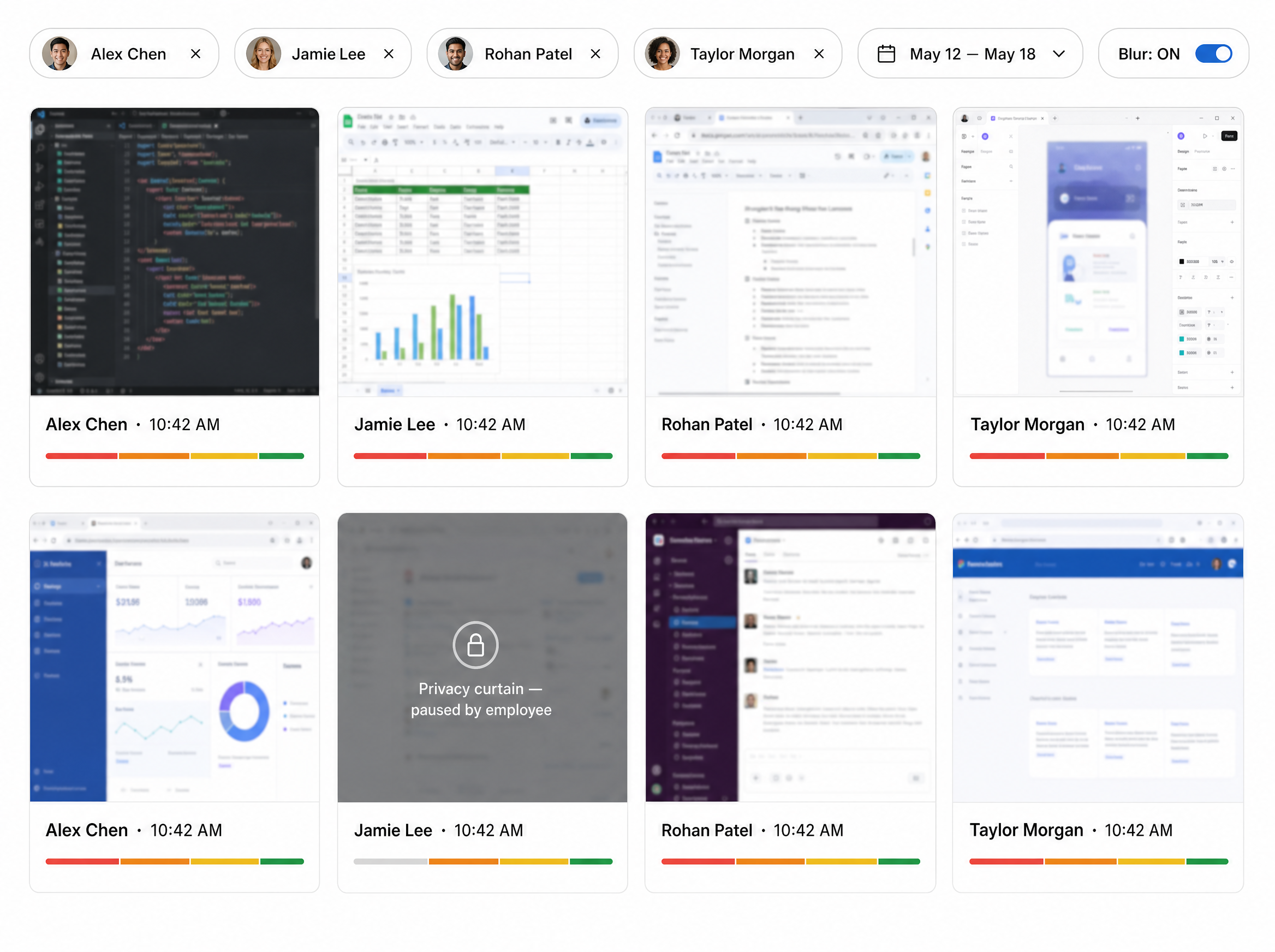
Captures on the interval your org chooses — with a one-click privacy curtain every employee can pull, and a review grid that shows engagement at a glance. Zero captures while the curtain is up. Ever.
The problem
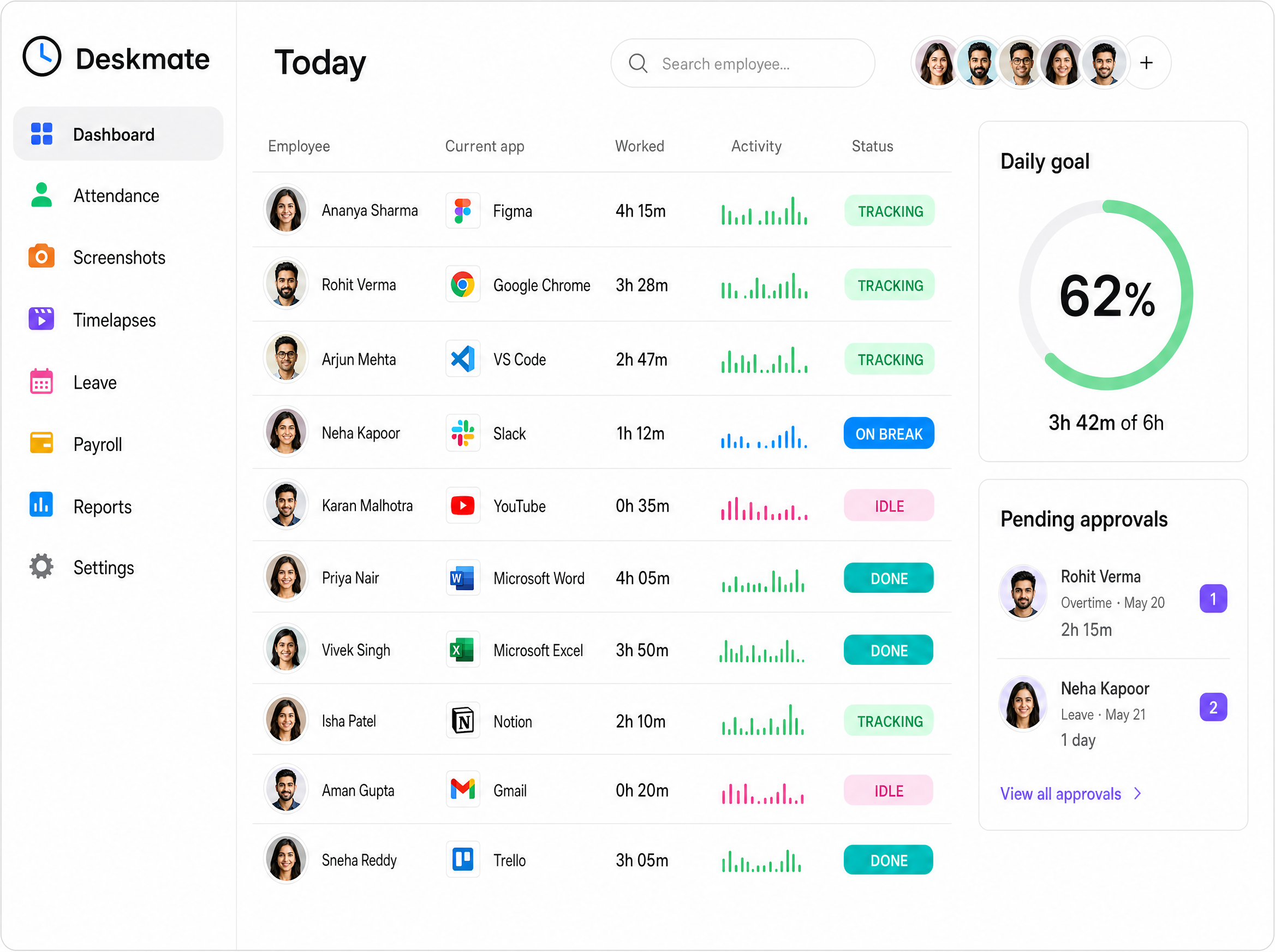
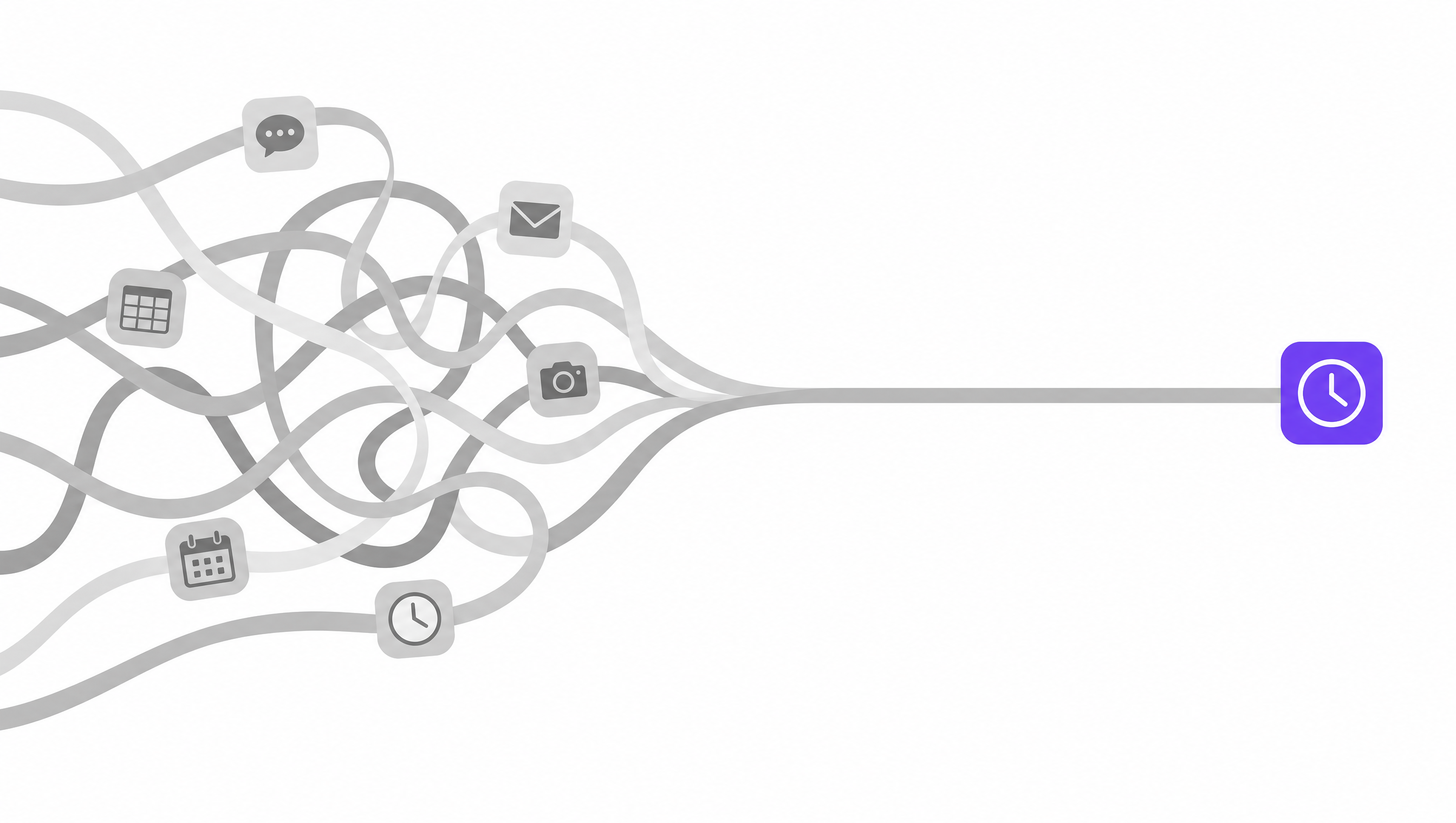
Chat says one thing, the timesheet says another, and payroll trusts neither. Deskmate pulls hours, activity, screenshots, and approvals into a single record everyone can see — including the person being measured.
Captures on the interval your org chooses — with a one-click privacy curtain every employee can pull, and a review grid that shows engagement at a glance. Zero captures while the curtain is up. Ever.
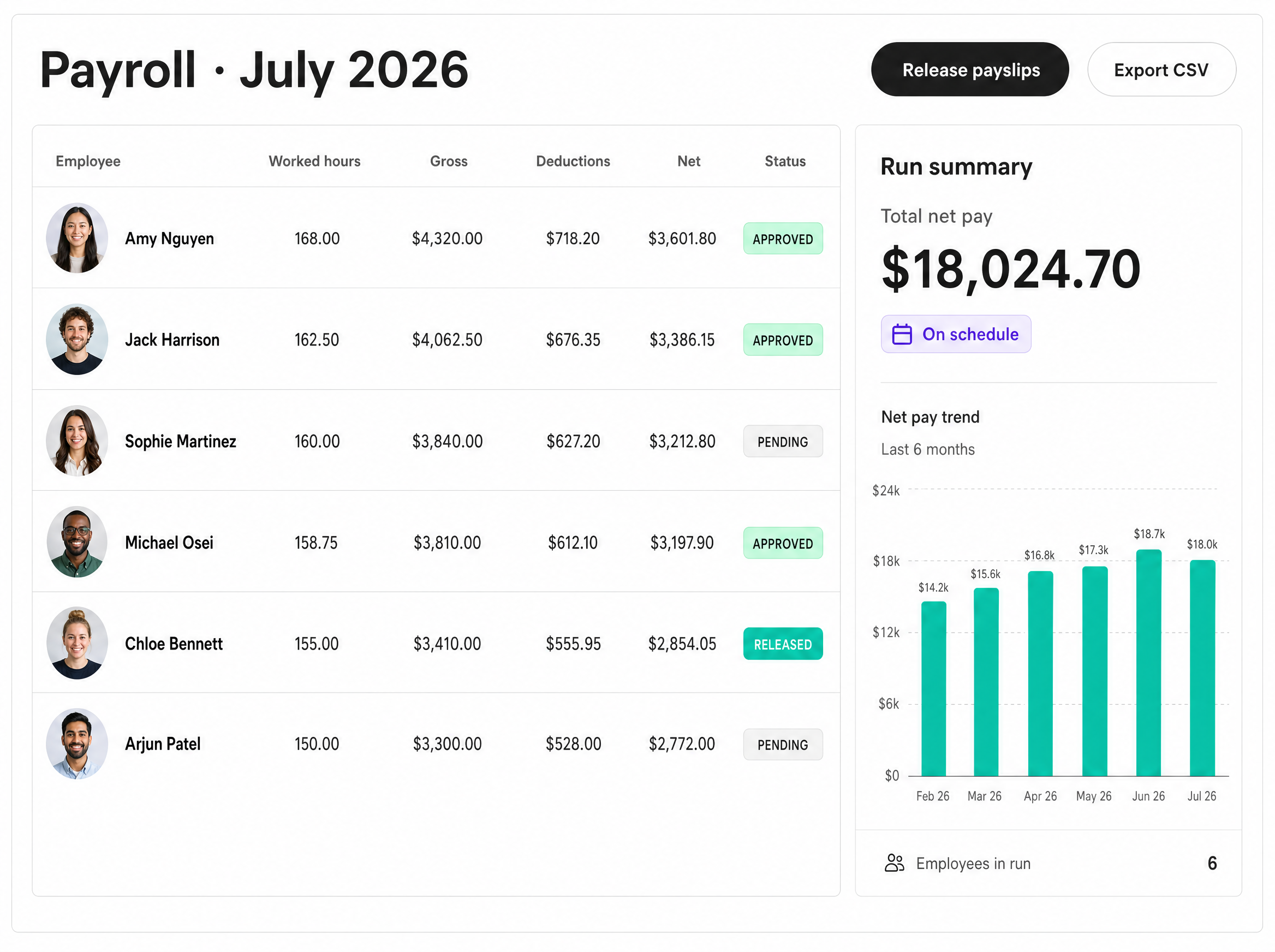
Attendance rolls into monthly payroll runs automatically. Review the numbers, approve the month, release — every employee gets a rendered PDF payslip in their own account.
A local queue holds every record until the network returns, then uploads it automatically.
Balances, public holidays, and shift assignment — approvals flow straight into attendance.
Write your own rules — late 3× in 7 days, under 6h twice — and get a ranked risk list, not a hunch.
Deskmate watches the patterns you tell it to watch — late arrivals, shrinking hours, idle spikes — and ranks who needs a conversation this week. Rules are yours; nothing is a black box.
Explore Insights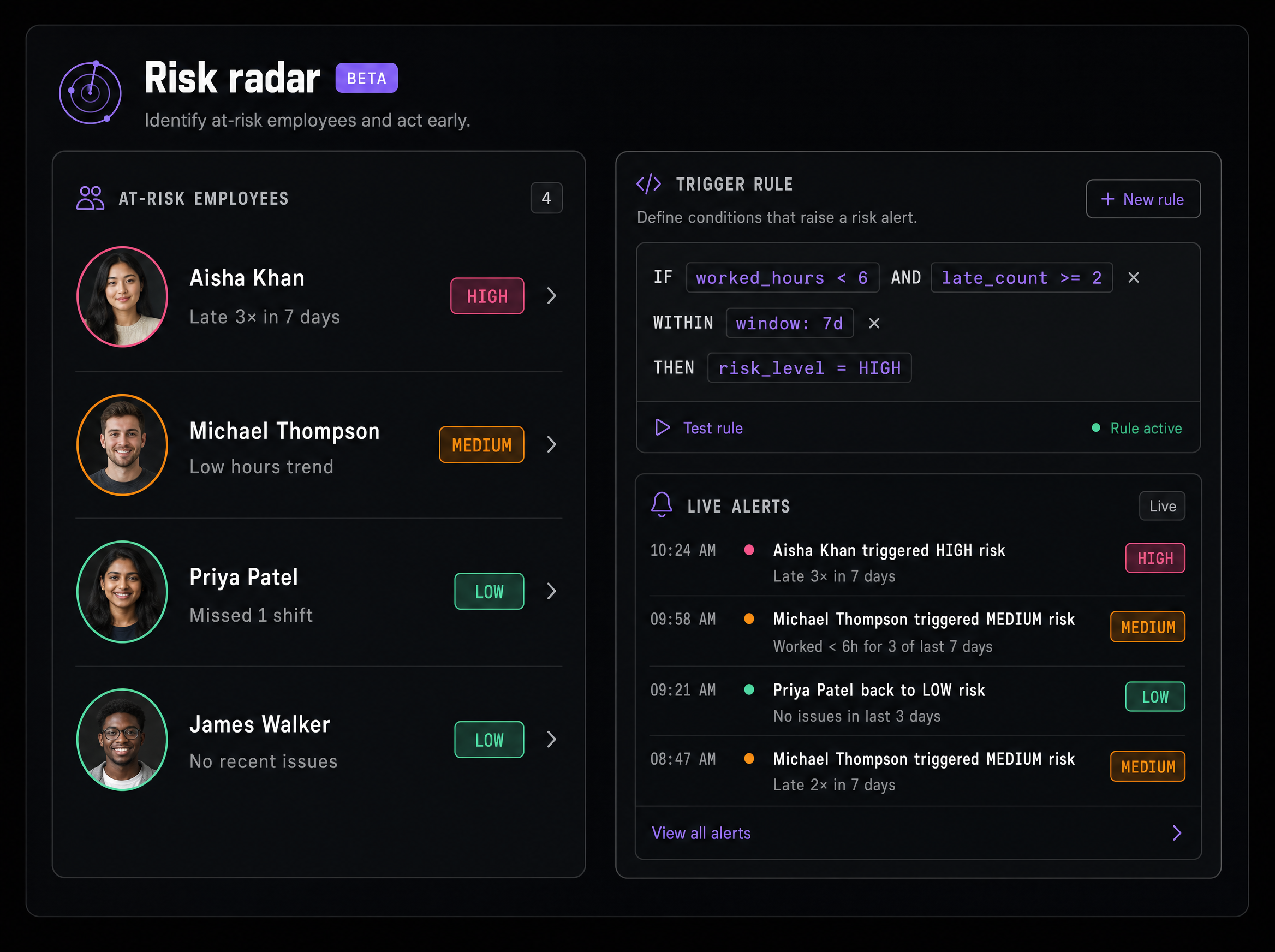
The numbers that matter
App intelligence
The agent recognizes the apps on screen and files them the way you decide — Meet is a meeting, VS Code is focus, YouTube is whatever you say it is. Categories retro-apply to history.


+ every other app the agent sees · categories are yours to define
Don't see it here? Ask us directly — we answer in business hours.
No. Admins set the screenshot interval and can blur captures for the whole org. Every employee has a privacy-curtain button that pauses captures for up to three hours, and idle warnings are shown to the employee — not just to the admin.
Install the agent on one machine and watch the first day fill in. Free for teams up to 20 — every feature included.
No card · free for up to 20 employees